
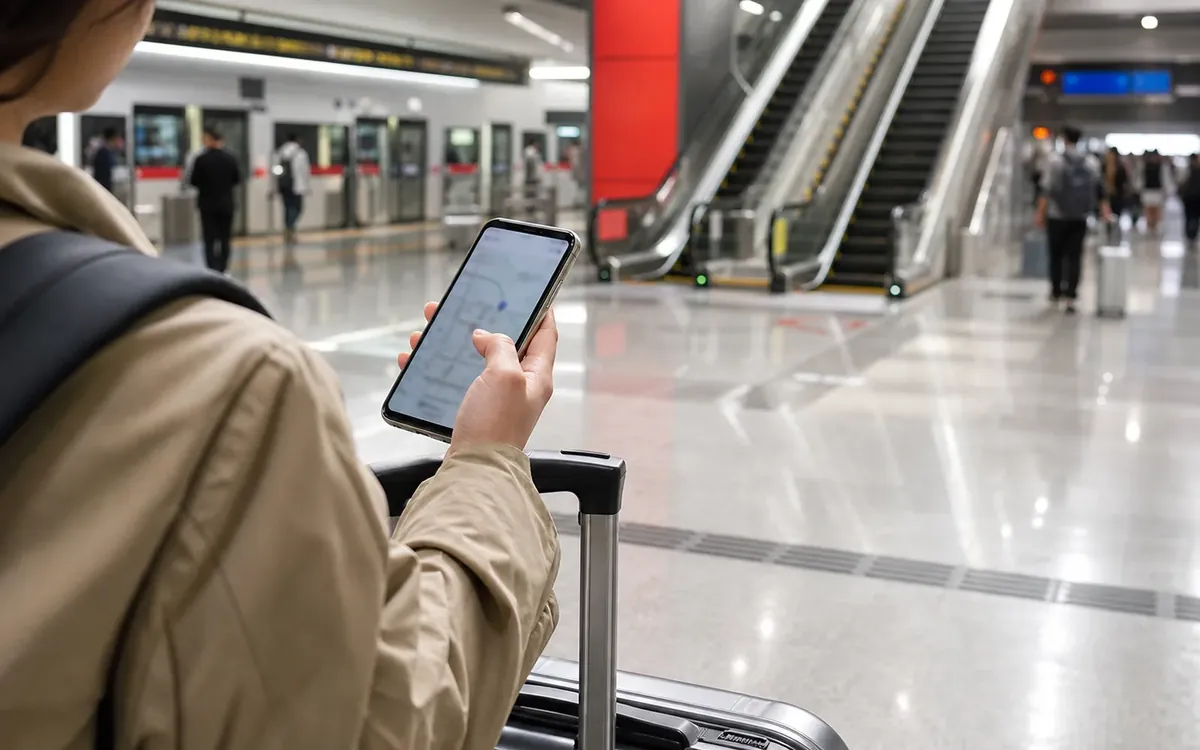

Use strong account protection, avoid scanning random QR codes, keep document copies secure, preserve bank verification access, and plan what to do if your phone is lost.
Support choice under pressure
Use the checkpoints below to turn this page into a working China plan.

Safer plan
- Confirm the practical step before depending on it.
- Keep a backup path for phone, payment and address.
- Save the key Chinese names and screenshots.
Risky plan
- Assume everything works like at home.
- Wait until the counter to solve setup issues.
- Travel without offline notes.

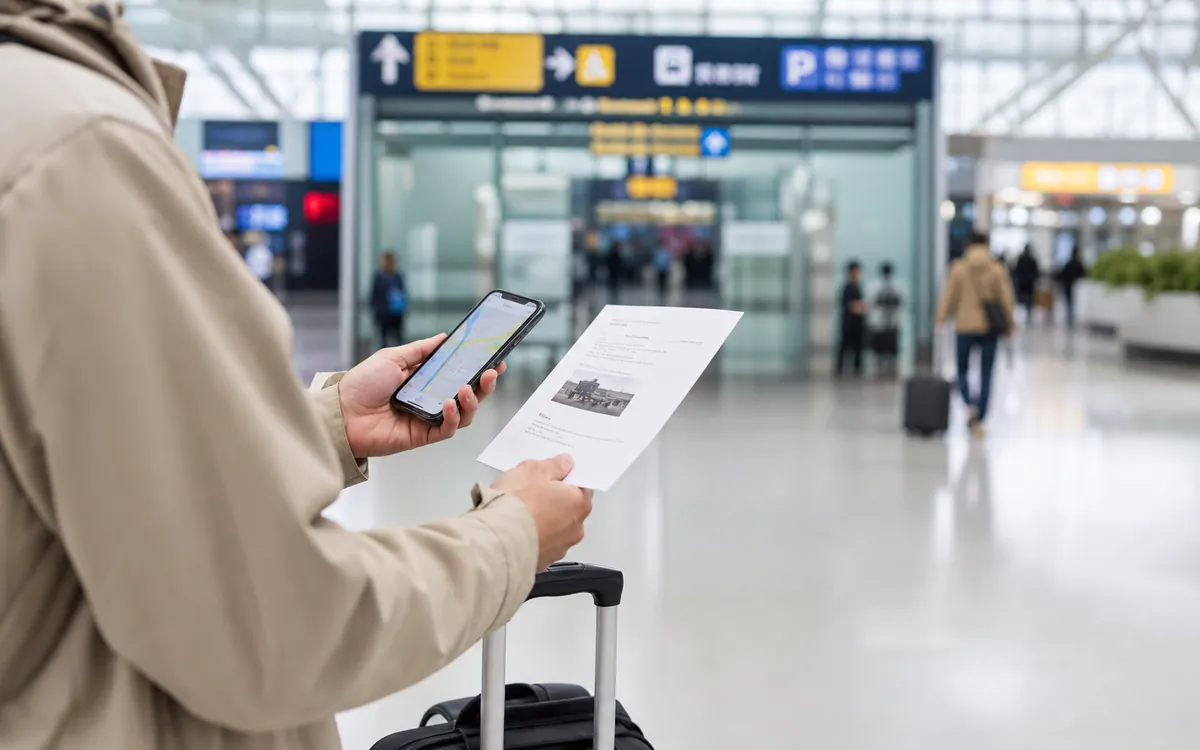 One thing to confirm
Confirm the item that would stop the day if it failed.
One thing to confirm
Confirm the item that would stop the day if it failed.
For this topic, that usually means checking the exact rule, app status, address, document or receipt before the busy part starts.
 One thing to save
Keep evidence that can be shown without mobile data.
One thing to save
Keep evidence that can be shown without mobile data.
Screenshots, Chinese names, booking records and offline notes make support contacts, safety judgment and escalation options easier to explain.
Contacts, evidence and escalation
Check who can help, what proof to show, which address to use, and what to do if the first answer is not enough.
 Entry
Entry rules before booking
Entry
Entry rules before booking
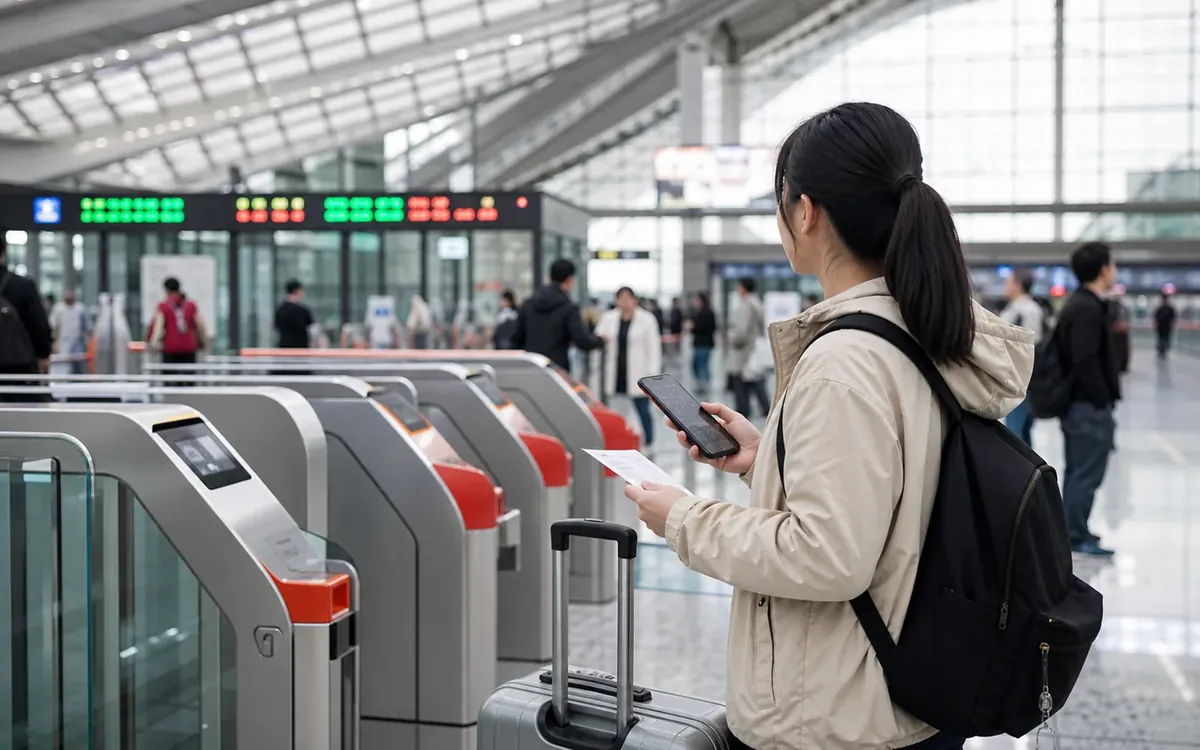 Transport
Rail and city transfers
Apps
Phone, maps and translation
Transport
Rail and city transfers
Apps
Phone, maps and translation
Recovery matters
Recovery matters is a practical control point for this topic. Check it early so it does not become a problem under pressure.
QR codes deserve caution
QR codes deserve caution is a practical control point for this topic. Check it early so it does not become a problem under pressure.
Phone number controls access
Phone number controls access is a practical control point for this topic. Check it early so it does not become a problem under pressure.
Account basics
Use strong passwords, device locks, and two-factor authentication where practical. Make sure you can access recovery email and bank verification while abroad.
QR code habits
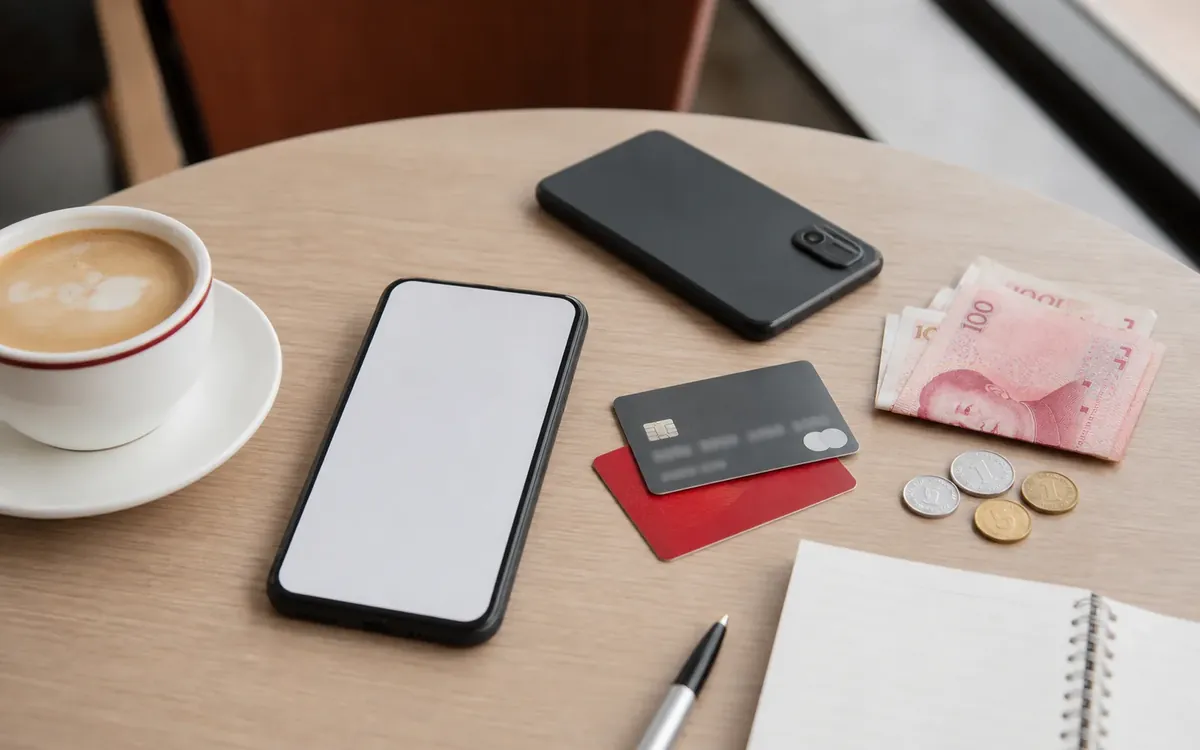
QR codes are common for menus, payment, Wi-Fi, tickets, and services. Scan codes from trusted locations, not random stickers or messages. Check the app and merchant name before paying.
Public Wi-Fi
Public Wi-Fi can be convenient but should not be your only connection. Avoid sensitive account changes on unknown networks when possible. Mobile data is often more reliable for daily travel.
Document storage
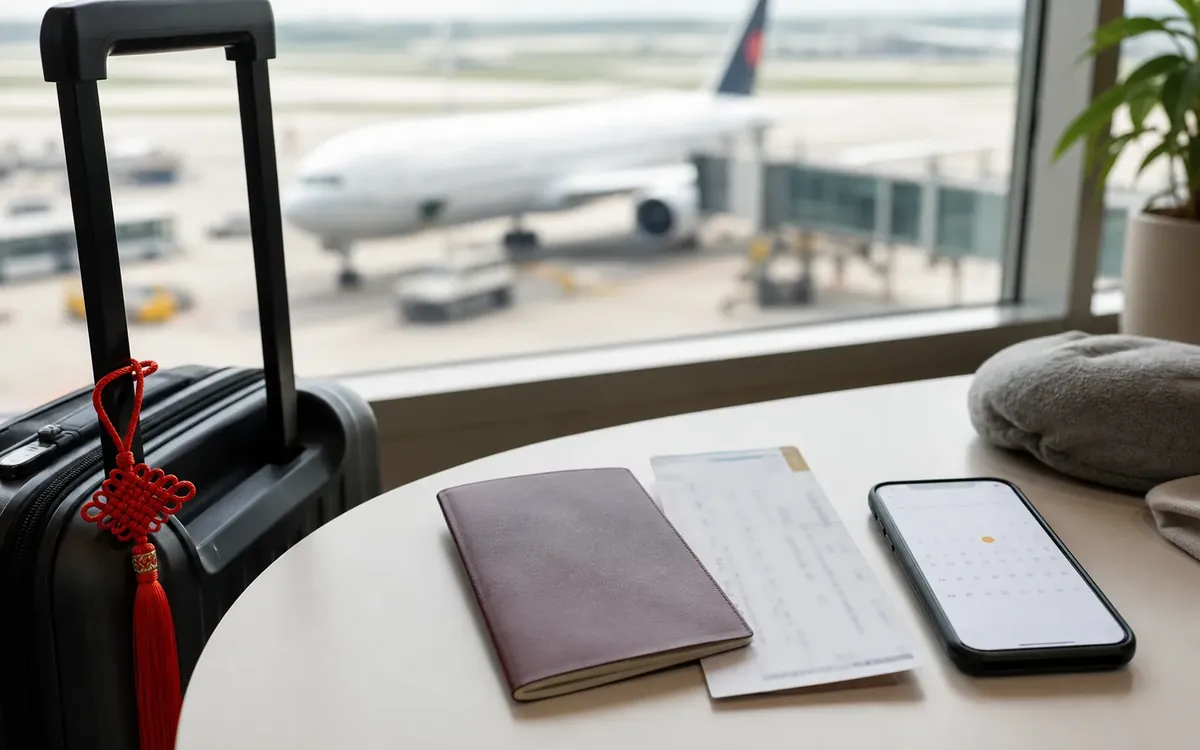
Keep passport and insurance copies secure, not scattered in ordinary chat threads. Use locked storage or a trusted cloud account, and keep offline copies for emergencies.
Lost device planning
Know how to lock accounts, contact banks, recover SIM access, and reach hotel or travel partners without your main phone.
Account boundary note
Digital privacy problems usually begin when a travel account, payment account and phone number become tied together without a recovery plan. Before a long stay, decide which number receives verification codes, which email owns the account, and which device keeps offline backups. Avoid signing into important accounts on shared computers, keep passport scans outside chat apps, and screenshot cancellation or logout confirmations before changing SIMs or leaving the country.
Digital Privacy and Account Safety in China checklist
- Enable device lock
- Keep recovery email accessible
- Scan QR codes carefully
- Secure document copies
- Prepare lost-phone steps
Mistakes to avoid with Digital Privacy and Account Safety in China
- Using one phone as the only key
- Scanning random payment codes
- Keeping passport photos in public chats
- Losing access to bank authentication
- Ignoring recovery until a problem happens
When Digital Privacy and Account Safety in China needs local help
Ask hotel staff, medical staff, police or venue security, your insurer, school, employer, embassy or a trusted local contact early. A Chinese address, photo, receipt or short translated sentence makes help easier.