


Choose your data plan before departure, keep SMS access for bank and app verification, test payment apps on mobile data, and save key information offline in case the first setup fails.
Decision layer
Phone data is the first travel utility, not an afterthought.
A working data plan decides whether maps, translation, payment verification, ride-hailing, hotel messaging and bank security checks work on the first day. Choose the phone setup before the trip, then carry a backup for SMS and account recovery.
Decide whether you will use roaming, eSIM, local SIM or a travel router. Test the plan with the apps you expect to use, not only with a browser page.
Keep the number that receives bank, wallet and email verification available. A cheap data plan is risky if it breaks account recovery.
Save hotel address, emergency contacts, maps, ticket screenshots and passport copies before arrival so one network failure does not stop movement.
Prepare before departure
- Install VPN or required apps where legal and appropriate
- Confirm eSIM compatibility
- Save login recovery codes
Test after landing
- Mobile data outside airport Wi-Fi
- Wallet and SMS verification
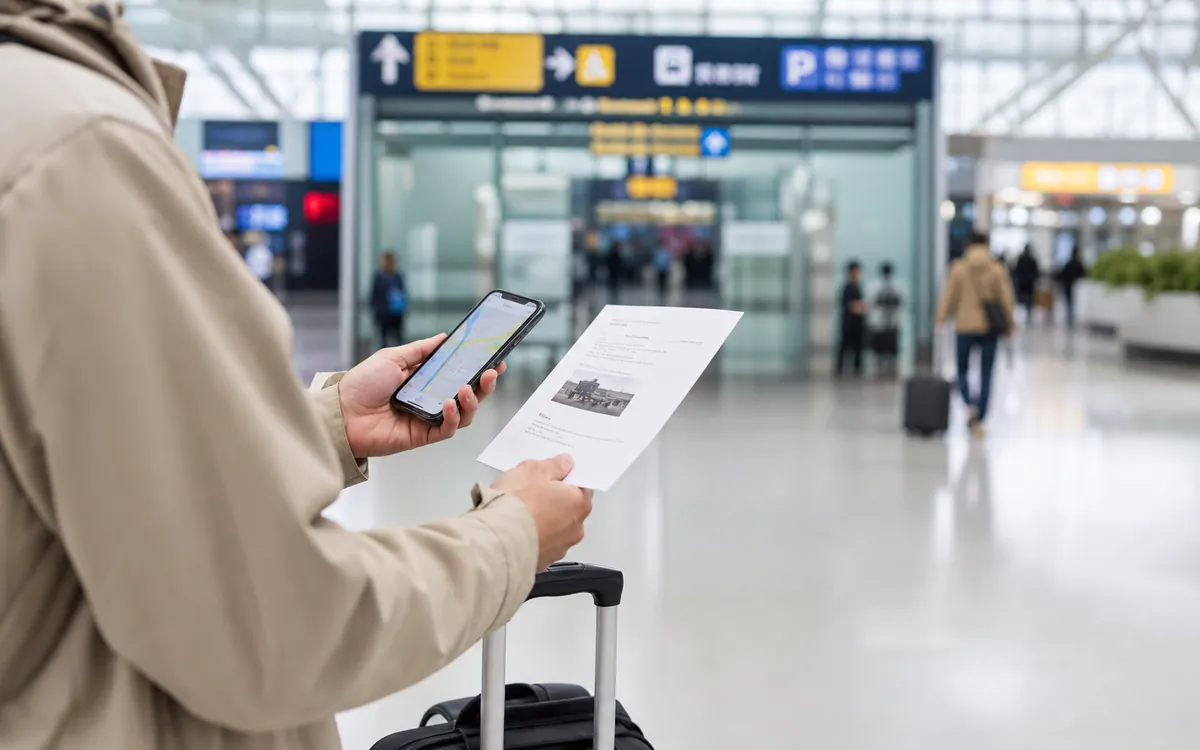
- Maps, translation and ride-hailing
Practical caution: do not depend on airport Wi-Fi as proof that your phone setup works. The real test is mobile data plus verification after you leave the terminal.
Phone setup decision guide
Your phone carries maps, translation, payments and tickets, so the setup needs a backup path.

Safer setup
- Install key apps before departure.
- Keep SMS access and backup email available.
- Save hotel addresses and QR screenshots offline.
Risky setup
- Depend on airport Wi-Fi for everything.
- Use only one map or translation tool.
- Forget account recovery methods.
 One thing to confirm
Confirm the item that would stop the day if it failed.
One thing to confirm
Confirm the item that would stop the day if it failed.
For this topic, that usually means checking the exact rule, app status, address, document or receipt before the busy part starts.
 One thing to save
Keep evidence that can be shown without mobile data.
One thing to save
Keep evidence that can be shown without mobile data.
Screenshots, Chinese names, booking records and offline notes make the first real-world decision this page is meant to support easier to explain.
Next step, proof and fallback
Check the exact next action, what proof to save, and who can help if the first plan does not work.
 Entry
Entry rules before booking
Entry
Entry rules before booking
 Transport
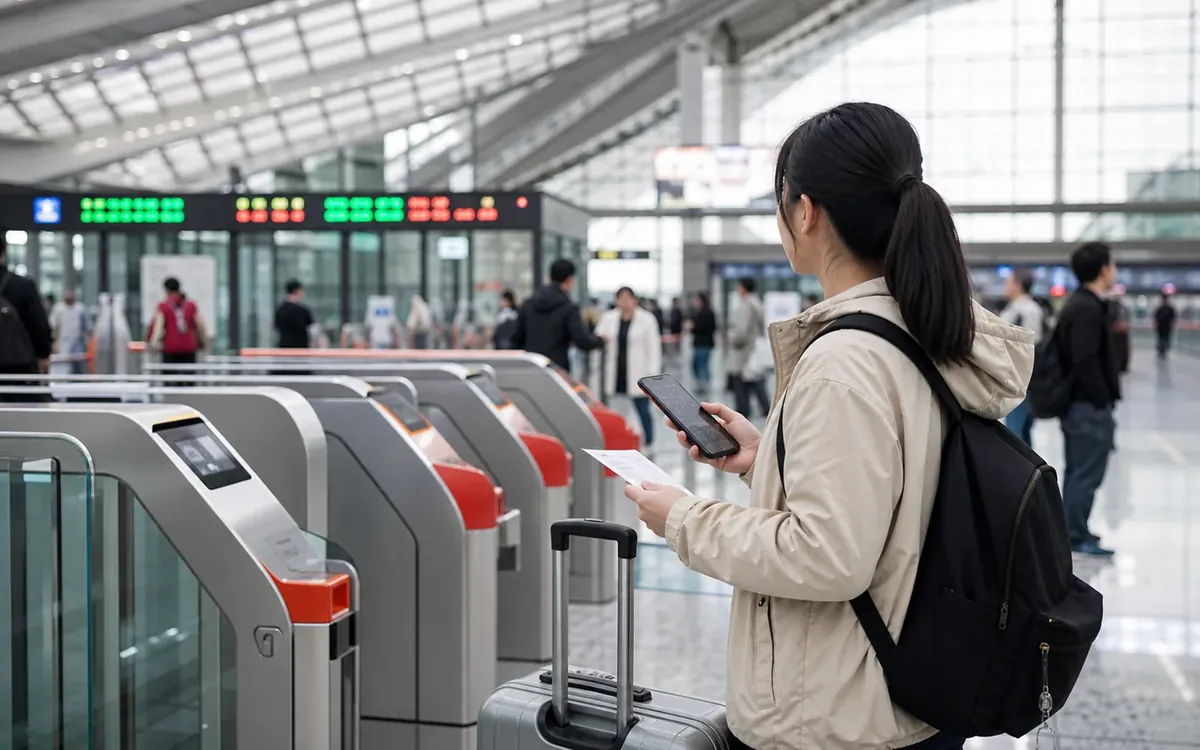
Rail and city transfers
Apps
Phone, maps and translation
Transport
Rail and city transfers
Apps
Phone, maps and translation
Data comes before convenience
Data comes before convenience is a practical control point for this topic. Treat it as something to check early, not something to solve under pressure.
SMS still matters
SMS still matters is a practical control point for this topic. Treat it as something to check early, not something to solve under pressure.
Offline backups reduce panic
Offline backups reduce panic is a practical control point for this topic. Treat it as something to check early, not something to solve under pressure.
Four realistic options
Visitors usually choose international roaming, travel eSIM, local SIM, or an airport SIM. Roaming is often easiest but can cost more. eSIM can be convenient if your phone supports it. Local SIM can be useful for longer stays but may require passport registration and time. Airport SIM counters can solve urgent data problems but are not always the cheapest.
Why SMS matters
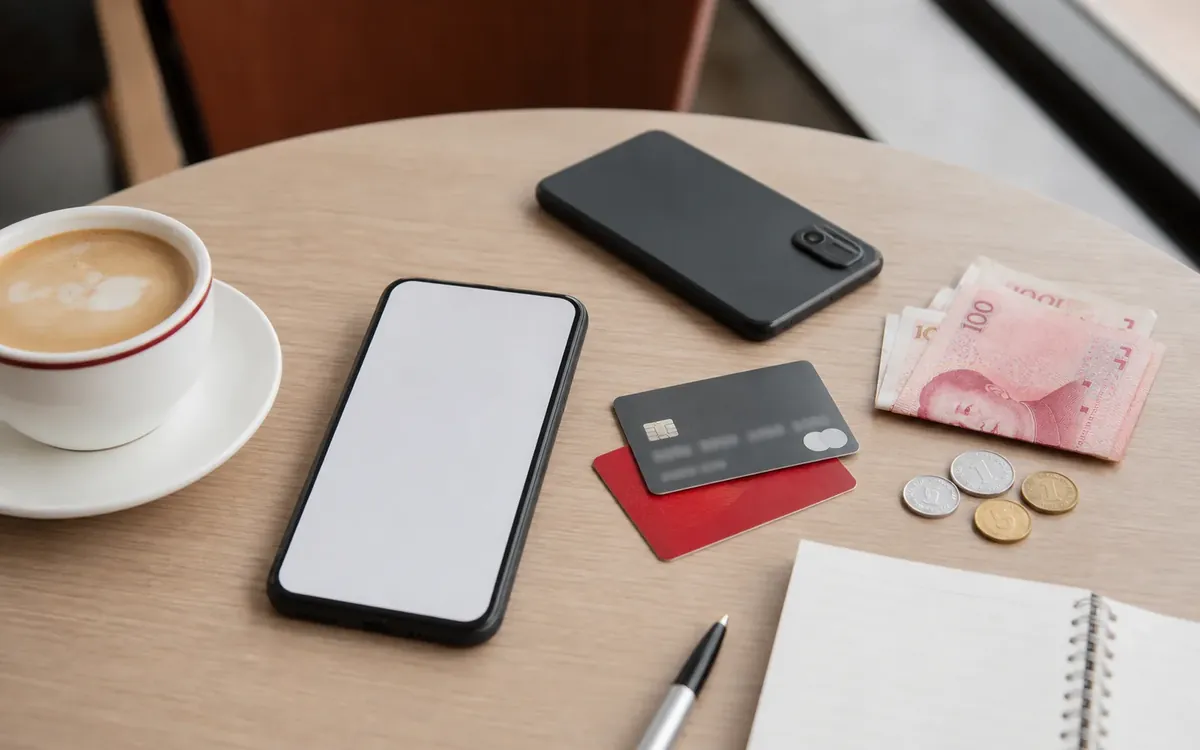
Payment apps, banks, hotel platforms, ride-hailing, and security checks may require text-message codes. If you remove your home SIM or cannot receive roaming SMS, verification can become harder. Before changing SIMs, know how your bank and core apps send codes.
Apps to test on mobile data
Do not only test apps on hotel Wi-Fi. Check maps, translation, Alipay or WeChat Pay, ride-hailing, your hotel booking app, and your airline or train ticket app on the network you will actually use outside.
Offline preparation
Save your passport copy, hotel address, emergency contacts, insurance details, train or flight bookings, and key Chinese phrases offline. A dead data plan should be inconvenient, not a crisis.
Longer stays
If you stay for weeks or months, a local number can become useful for deliveries, banks, repairs, and local services. But changing numbers too early can break overseas bank verification, so plan the transition carefully.
SIM, eSIM, Roaming, and Internet Setup in China checklist
- Confirm phone supports your chosen eSIM or SIM
- Keep home-number SMS access if possible
- Download offline hotel and emergency details
- Test payment on mobile data
- Carry a power bank
Mistakes to avoid with SIM, eSIM, Roaming, and Internet Setup in China
- Landing with no data plan
- Losing access to bank SMS codes
- Installing essential apps after arrival
- Relying only on airport Wi-Fi
- Forgetting that VPN and app access rules can differ by network
When SIM, eSIM, Roaming, and Internet Setup in China needs local help
Ask staff, your host, school, employer, insurer or a trusted local contact before the situation becomes urgent. Show the address, receipt, route or translated sentence first.