
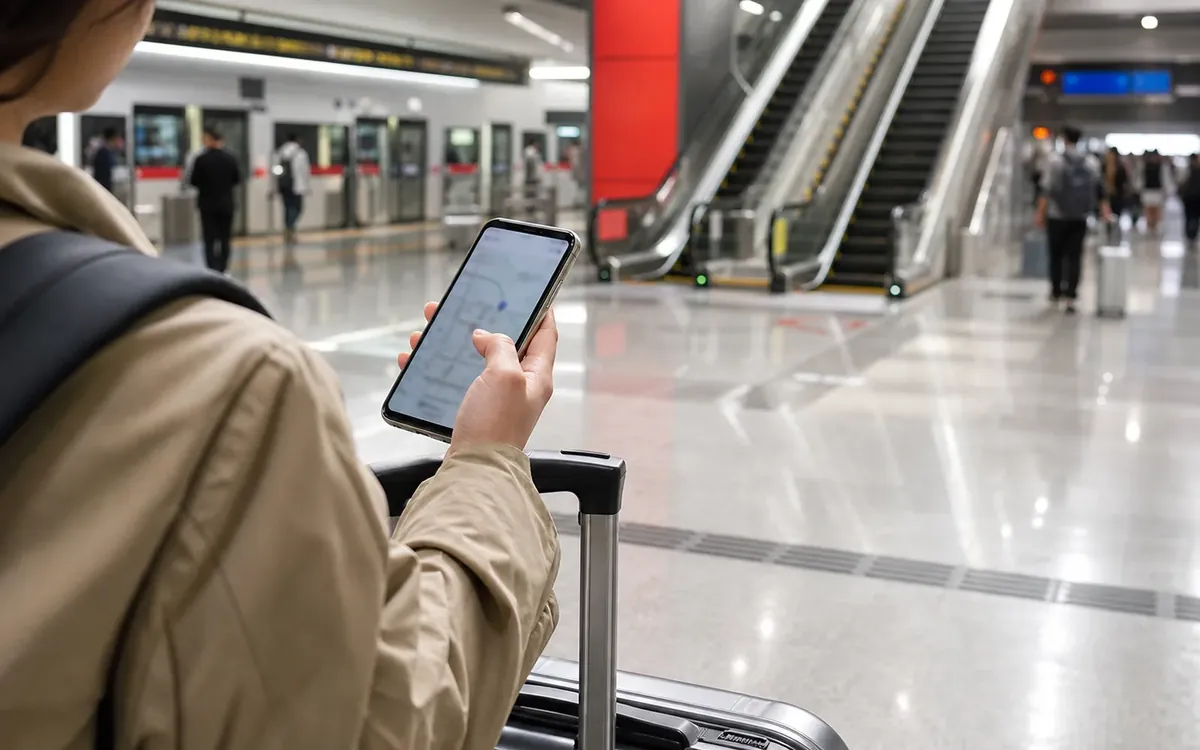

For most short trips, start with roaming or a tested eSIM for arrival, then add a local SIM if staying longer. Install WeChat, Alipay, a China-friendly map, translation, ride-hailing, hotel, and train apps before departure.
Mobility plan
Set up apps as a travel stack, not as a download list.
The key is not having many apps. It is knowing which app solves connection, translation, maps, payments, transport and emergency communication before the first problem appears.
Connection first
Confirm data, roaming or eSIM access before relying on maps, ride-hailing, payment verification or translation.
Identity and payment
Some apps may ask for phone, card, passport or verification steps. Test the core task before you need it at a counter.
Offline backups
Save screenshots of addresses, bookings, QR codes, emergency phrases and hotel contact details in case login or signal fails.
Install the core apps, test login, add payment backup and save hotel details while your home phone number still works.
Test one map route, one translation message and one small payment before leaving the airport or hotel area.
Phone and apps: what changes the decision
Install before arrival
- Payment app, map, translation, hotel and transport tools.
- Save offline hotel address and emergency phrases.
- Test roaming, eSIM or SIM before relying on QR systems.
Use after arrival
- Log in before a stressful transfer or payment moment.
- Keep screenshots of bookings and addresses.
- Avoid changing key accounts during a travel emergency.
Phone setup decision guide
Your phone carries maps, translation, payments and tickets, so the setup needs a backup path.

Safer setup
- Install key apps before departure.
- Keep SMS access and backup email available.
- Save hotel addresses and QR screenshots offline.
Risky setup
- Depend on airport Wi-Fi for everything.
- Use only one map or translation tool.
- Forget account recovery methods.
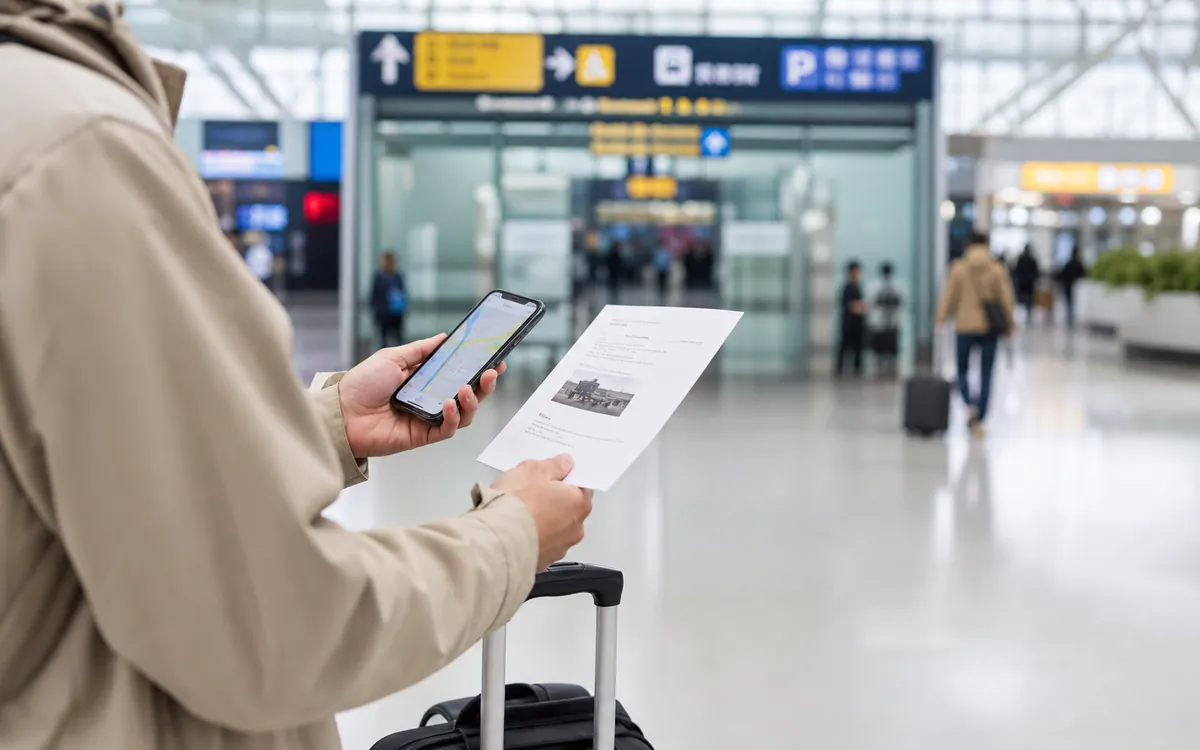 One thing to confirm
Confirm the item that would stop the day if it failed.
One thing to confirm
Confirm the item that would stop the day if it failed.
For this topic, that usually means checking the exact rule, app status, address, document or receipt before the busy part starts.
 One thing to save
Keep evidence that can be shown without mobile data.
One thing to save
Keep evidence that can be shown without mobile data.
Screenshots, Chinese names, booking records and offline notes make the first real-world decision this page is meant to support easier to explain.
Rail and city transfers
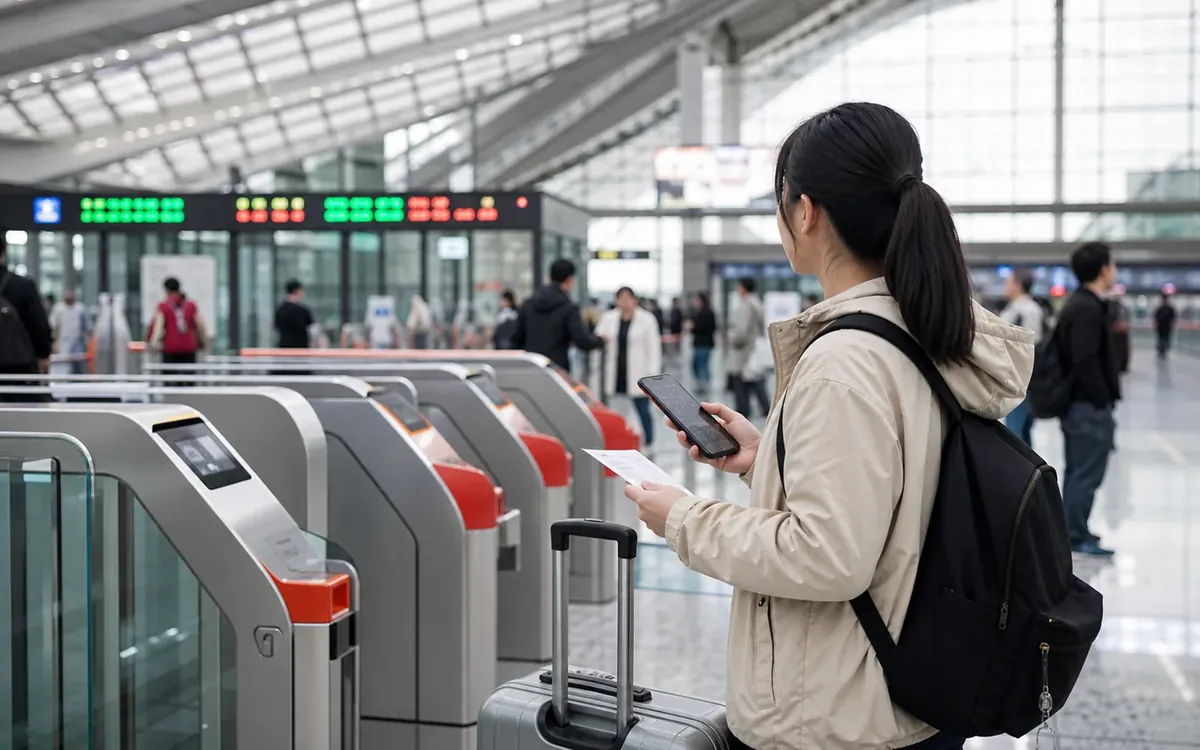
High-speed rail, station names, security checks and realistic transfer buffers.
 Payments
Next step, proof and fallback
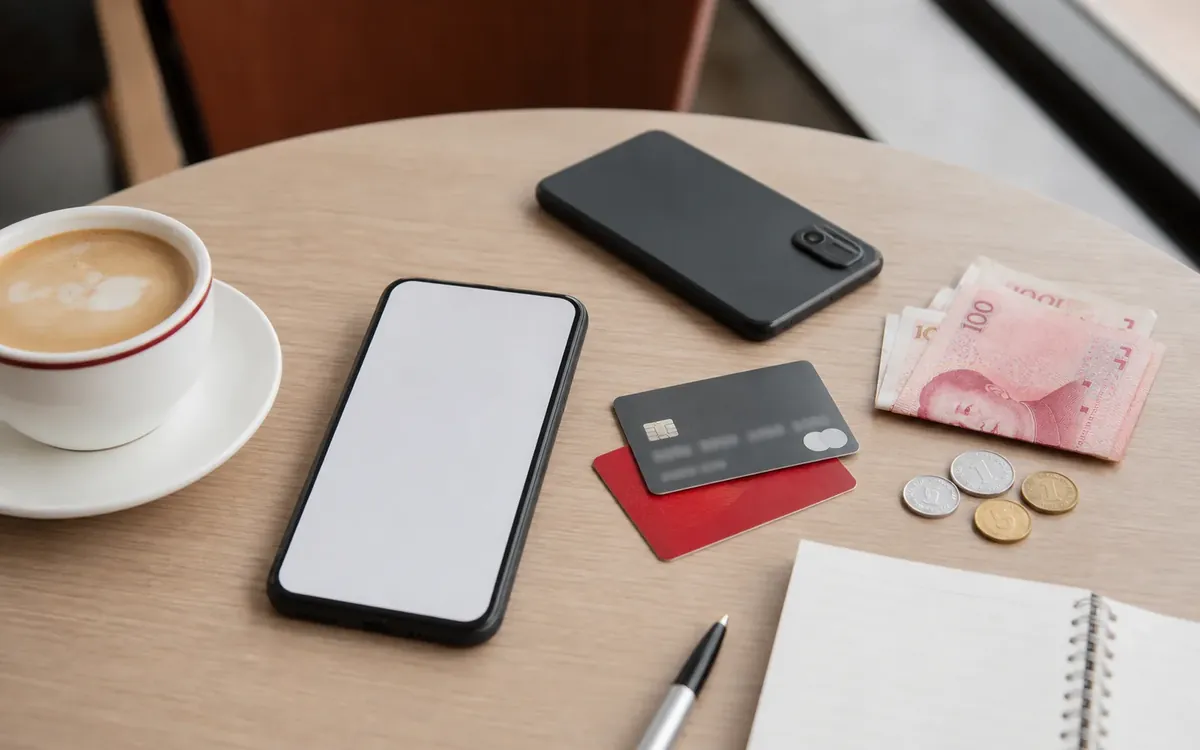
Payments
Next step, proof and fallback
 Entry
Entry rules before booking
Apps
Phone, maps and translation
Entry
Entry rules before booking
Apps
Phone, maps and translation
How to use Phone, internet, and apps
This guide treats the phone as travel infrastructure: data, maps, payment, translation, transport, hotel communication, and emergency access all depend on it working early.
The phone stack to prepare
Do not think about your phone as one thing. Think in layers: mobile data, SMS verification, payment apps, map and translation tools, transport apps, and offline backups. If one layer fails, the others should still get you to the hotel.
Arrival layer
Roaming, eSIM, airport Wi-Fi, or a pre-arranged SIM that works before you leave the airport.
Daily layer
WeChat, Alipay, map, translation, ride-hailing, hotel, train, and food tools.
Fallback layer
Offline hotel address, screenshots, saved phrases, cash, and emergency contacts.
Choose your data plan
Roaming: easiest for arrival day and short trips. It can be expensive, but it avoids the first-hour problem of needing data to buy data.
Local SIM: practical for longer stays, usually requires passport registration, and may be easiest at airports, telecom stores, or service counters with tourist support.
eSIM: convenient if your phone supports it, but availability, speed, phone compatibility, and ability to receive Chinese SMS can vary by provider and plan.
Airport Wi-Fi: useful as a temporary bridge, but do not rely on it for the whole first day. You may need SMS, passport login, or a working number to connect in some places.
Why a phone number matters
A Chinese phone number is not always required for a short trip, but it can make daily systems easier: ride-hailing, delivery, hotel contact, app verification, customer service, courier calls, and some reservations. If you use roaming or a travel eSIM without a Chinese number, plan for extra friction.
- Keep your home SIM active if your bank sends security codes by SMS.
- Do not remove your home SIM until payment and email verification are stable.
- If staying longer, consider a local SIM so Chinese services can contact you.
- Save your hotel front desk number as a backup contact for drivers and delivery staff.
Essential app categories
Payment
Alipay and WeChat Pay are the practical core. Set them up before departure if possible.
Messaging
WeChat is often needed for contacts, hotels, meetings, reservations, and local coordination.
Maps
Use a map that performs well inside China and can show Chinese addresses accurately.
Translation
Prepare text, voice, and camera translation. Save key phrases for offline use.
Transport
Prepare ride-hailing, metro or transit tools, train booking, and airline or hotel apps.
Daily life
Food delivery, restaurant discovery, shopping, and courier tools become more useful for longer stays.
Maps and addresses
Address handling is one of the biggest practical differences for visitors. English place names may not match local map data, and a hotel brand may have multiple branches. Save addresses in Chinese characters and keep screenshots of the map pin.
- Save your hotel name, address, and phone number in Chinese.
- Screenshot the airport-to-hotel route before leaving the airport.
- Check whether the map pin matches the exact hotel entrance, not only the building complex.
- For taxis and ride-hailing, keep the Chinese destination visible.
Translation setup
Translation apps are useful, but they work best when you prepare. Save important phrases for offline use, especially hotel address, food restrictions, allergies, emergency needs, and payment problems. For serious medical, legal, or allergy communication, do not rely only on machine translation.
Useful habit: Write short, simple sentences before translating. "I am allergic to peanuts. Does this contain peanuts?" is safer than a long explanation.
WeChat basics
WeChat can be messaging, payments, mini-programs, hotel contact, event coordination, customer service, file sharing, and business follow-up. Even if you do not use it socially, having a working WeChat account can reduce friction.
- Set your profile name clearly so new contacts recognize you.
- Learn how to scan QR codes and show your own QR code.
- Use WeChat for quick coordination, but keep formal records in email or documents when money, contracts, or work are involved.
Ride-hailing, metro, and train apps
Transport is easier when payment and data already work. Ride-hailing can solve late-night and luggage problems, but airport pickup zones can be confusing. Metro is usually predictable in major cities. High-speed rail requires passport-name accuracy and enough station buffer.
- Test ride-hailing only after you can receive app messages and pay.
- Save your hotel as a favorite location.
- For trains, match your passport name exactly and arrive early for security and station navigation.
International services and access
Some international websites, apps, maps, messaging tools, work systems, or cloud services may not behave the same way in mainland China. If a service is essential for work, banking, identity verification, or travel, test your plan before departure and keep legal, compliant backup access methods.
Do not make your first login to a critical bank, email, or work account from an unfamiliar network during a travel emergency. Save offline copies of bookings and important documents.
Before departure checklist
- Update your phone operating system and essential apps.
- Install WeChat, Alipay, map, translation, hotel, airline, and transport apps.
- Make sure your phone is unlocked if you plan to use a local SIM.
- Check whether your phone supports eSIM if you plan to use one.
- Keep your home SIM available for bank and email verification codes.
- Download offline copies of passport, visa or entry proof, insurance, hotel, and flight details.
- Save emergency contacts and your hotel address in Chinese.
First day setup
- Get data working before leaving the airport.
- Save the hotel address and phone number in Chinese.
- Test one small payment.
- Test map routing around the hotel.
- Ask hotel staff which nearby ATM, convenience store, pharmacy, and metro station are easiest.
Practical privacy and account safety
Use the minimum data needed for each service. Keep passport photos and identity documents in a secure folder. Avoid sending identity documents through unofficial contacts. Use strong device lock, keep bank alerts on, and do not hand your unlocked phone to strangers.
Mistakes to avoid with Phone, internet, and apps
- Landing with no mobile data plan.
- Removing the home SIM before bank verification is complete.
- Saving only English addresses.
- Assuming one map app will solve every location problem.
- Installing payment, taxi, or train apps only after arriving tired.
- Depending on live internet access for every important document.