
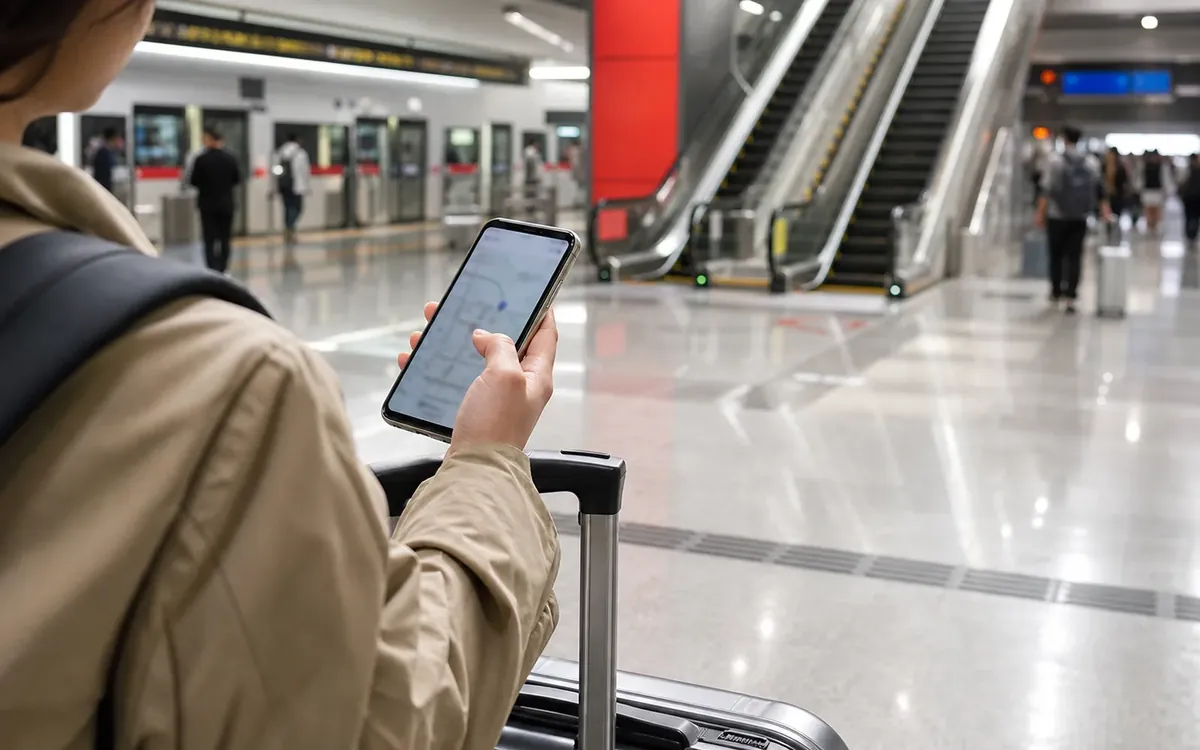

Save Chinese addresses, check entrances and metro exits, screenshot key routes, use map pins carefully for ride-hailing, and confirm station names before moving across a city.
Mobility plan
Use maps to confirm entrances, exits and Chinese names.
The right pin is only the start. Large stations, malls, compounds and campuses may have multiple entrances, blocked paths and different pickup zones.
Chinese names
Save the Chinese name for hotels, stations, gates, venues and landmarks so staff and drivers can understand the destination.
Entrance logic
Check metro exit letters, station exits, mall doors, hotel driveway locations and ride-hailing pickup points.
Screenshot route
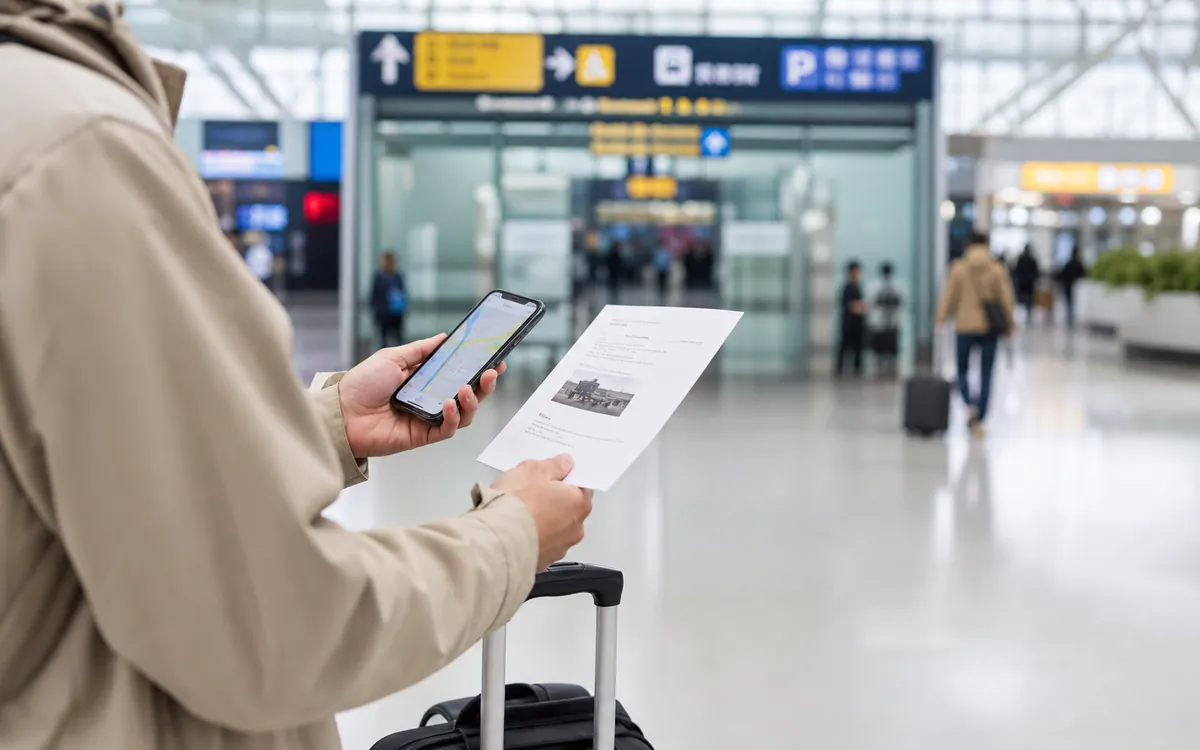
Capture the route, address, phone number and map pin before signal or app login becomes uncertain.
Compare walking time, transfer time, station entry time and the last few hundred meters.
Move to a recognizable landmark, staffed entrance, hotel lobby or official taxi queue instead of chasing map drift.
Phone setup decision guide
Your phone carries maps, translation, payments and tickets, so the setup needs a backup path.

Safer setup
- Install key apps before departure.
- Keep SMS access and backup email available.
- Save hotel addresses and QR screenshots offline.
Risky setup
- Depend on airport Wi-Fi for everything.
- Use only one map or translation tool.
- Forget account recovery methods.
 Before the moment
Mark the one choice Map Apps and Navigation in China needs to settle.
Before the moment
Mark the one choice Map Apps and Navigation in China needs to settle.
Turn the page into a short checklist: what to show, what to save, and what to do if the first answer does not work.
 After the first try
Write down what changed on the ground.
After the first try
Write down what changed on the ground.
China travel details shift by city, venue and staff interpretation, so keep screenshots and names beside the routes, transfer buffers and station details notes.
Rail and city transfers
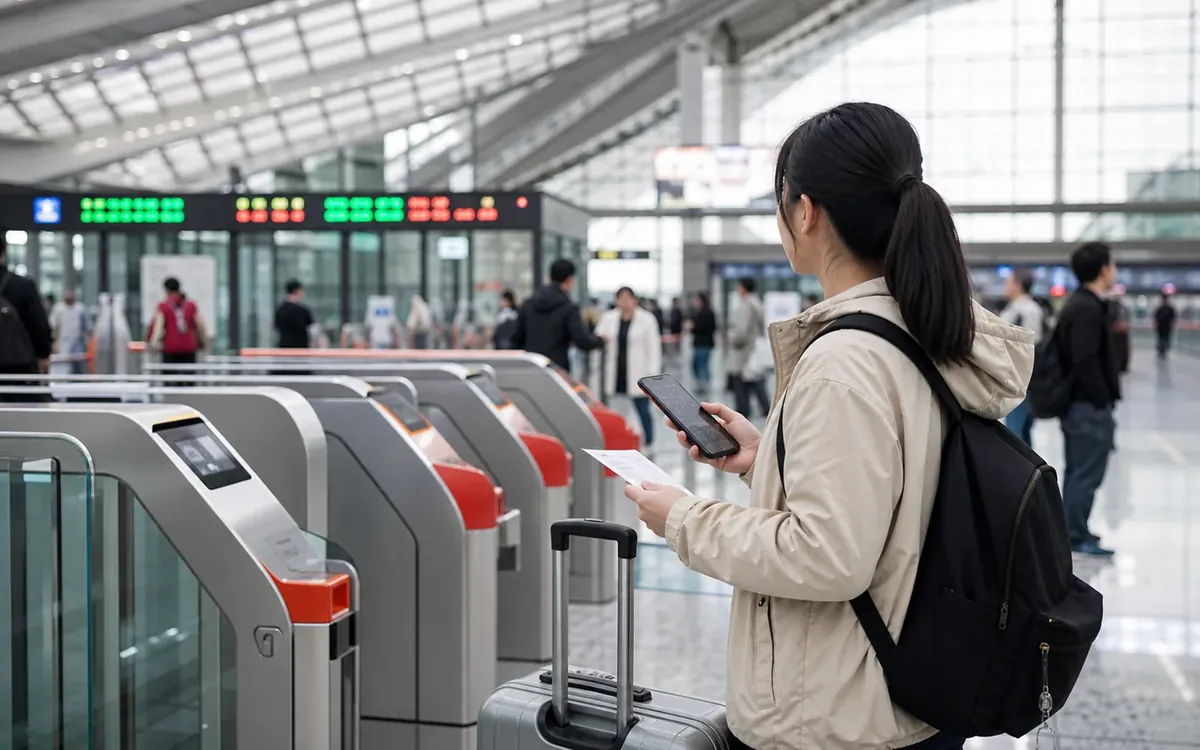
High-speed rail, station names, security checks and realistic transfer buffers.
 Payments
Stations, exits and backup routes
Payments
Stations, exits and backup routes
 Entry
Entry rules before booking
Apps
Phone, maps and translation
Entry
Entry rules before booking
Apps
Phone, maps and translation
Chinese names reduce ambiguity
Chinese names reduce ambiguity is a practical control point for this topic. Check it early so it does not become a problem under pressure.
Entrances matter
Entrances matter is a practical control point for this topic. Check it early so it does not become a problem under pressure.
Screenshots save time
Screenshots save time is a practical control point for this topic. Check it early so it does not become a problem under pressure.
Address language
Many places have English names, translations, nicknames, and official Chinese names. The Chinese name and address are usually the most useful for drivers, hotel staff, delivery, and local maps.
Entrances and compounds
A map pin may point to a building, but the usable entrance may be on another road, inside a mall, or behind a security gate. For hotels, hospitals, office towers, and stations, confirm the entrance.
Metro exits
Navigation often depends on the correct metro exit. Choose the exit before you leave the paid area. A wrong exit can add stairs, crossings, and ten minutes of walking.
Ride-hailing pins
Drivers rely on pickup pins, road levels, and legal stopping zones. If the car cannot stop exactly where you stand, move to the suggested pickup point or ask nearby staff to help identify it.
Offline backups
Screenshots of hotel addresses, station names, route plans, and emergency contacts help when signal, battery, or app access fails. Offline preparation is boring until it saves the day.
Map Apps and Navigation in China checklist
- Save Chinese place names
- Confirm entrance or gate
- Check metro exit
- Screenshot key routes
- Carry a power bank
Mistakes to avoid with Map Apps and Navigation in China
- Showing only English names
- Following a pin to the wrong gate
- Ignoring station exit letters
- Ordering ride-hailing from a no-stop zone
- Having no offline address backup
When Map Apps and Navigation in China needs local help
Ask station staff, hotel staff, airline staff, a driver, venue security or a local host when the route, station name or pickup point is unclear. A Chinese address and screenshot usually solve the problem faster than a long explanation.